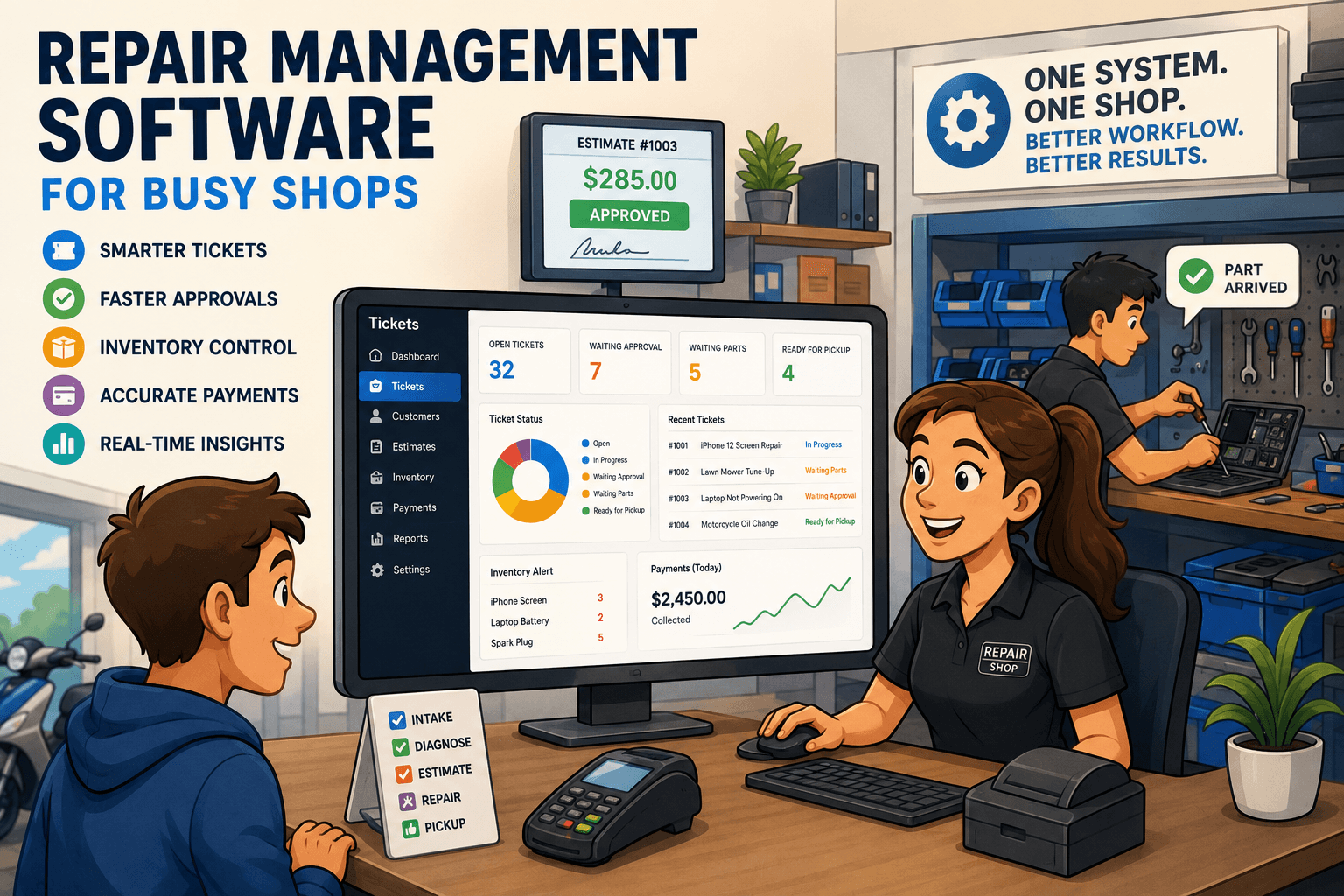
Repair POS vs Retail POS: What Shops Need
Repair POS vs retail POS affects intake, estimates, inventory, payments, and customer updates. See which system gives repair shops real control daily.
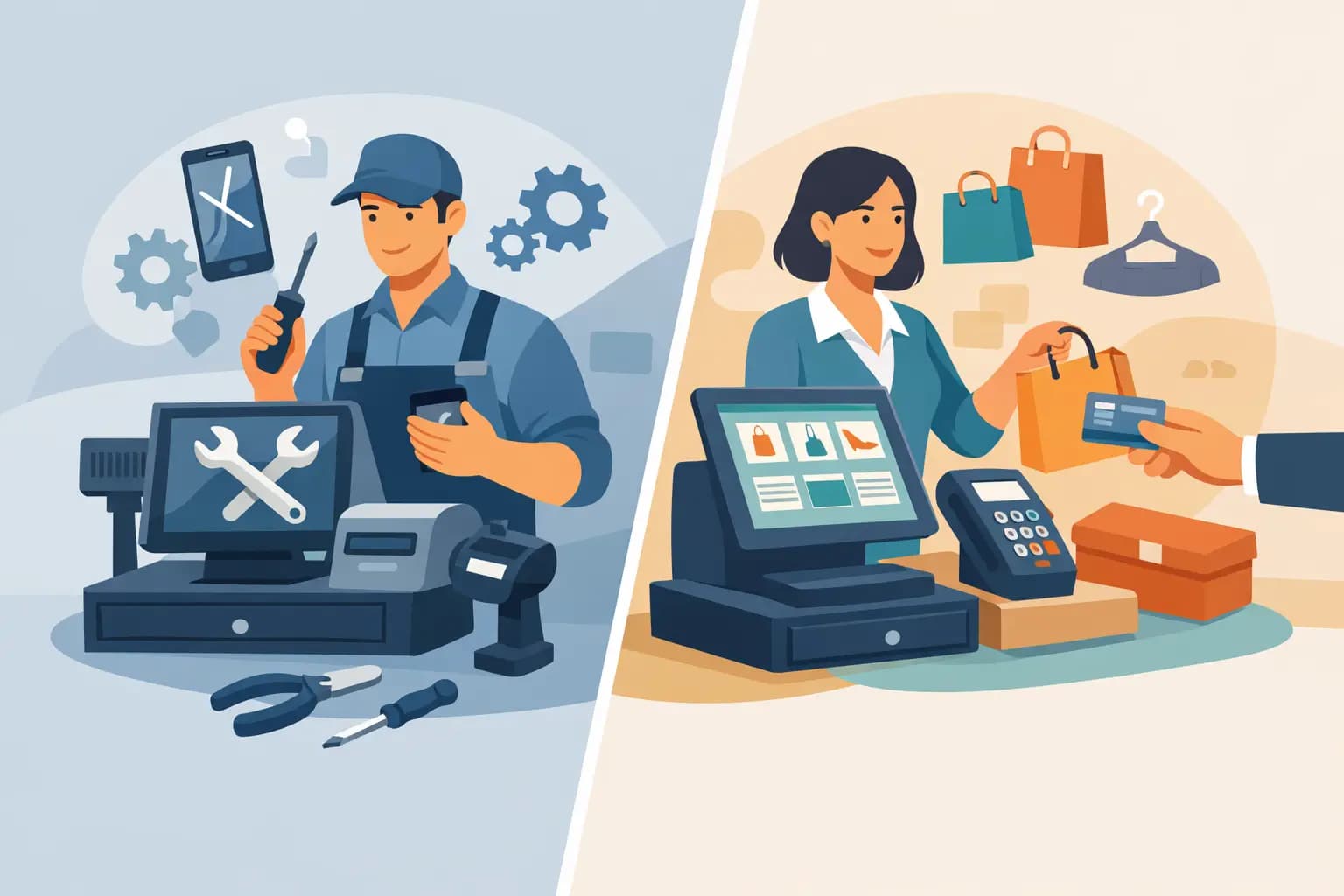
A customer walks in with a cracked phone, a charger is missing from the box, the device has water damage, and the customer wants a price before approving anything. That interaction exposes the real difference in the repair POS vs retail POS decision. A retail checkout system can take payment. A repair-first system needs to document the condition, create a ticket, assign work, track parts, collect approval, and make pickup painless.
For a repair shop, the point of sale is not the end of the transaction. It is one stage in a service workflow that may last hours, days, or weeks. Choosing software built around a retail sale when your business runs on repair tickets creates workarounds at the counter, on the bench, and in the back office.
Repair POS vs Retail POS Is a Workflow Decision
Retail POS systems are designed for a straightforward exchange: scan an item, apply a discount, accept payment, and update inventory. That model works well for businesses selling finished products from a shelf. A retail system may also offer customer profiles, employee permissions, basic reporting, and payment processing.
Repair shops have a different operating model. The item entering the shop is often not inventory to sell. It belongs to the customer, may have an unknown issue, and may require diagnostics before a final price or completion date is known. The shop needs a record of every decision made between intake and pickup.
That distinction matters because repair revenue depends on execution, not just checkout speed. If the front desk cannot capture the right details, technicians lose context. If parts are not tied to tickets, margins become unreliable. If approvals live in text threads or verbal conversations, the shop takes on avoidable risk. A repair POS should keep those events connected rather than asking staff to rebuild the workflow with notes, spreadsheets, and separate apps.
Where Retail POS Usually Falls Short for Repair Shops
A retail POS is not automatically a bad choice. A shop that primarily sells accessories, handles a low volume of simple services, and completes most work while the customer waits may get by with one. The limitations show up when ticket volume, staff count, parts usage, or customer expectations increase.
Intake needs more than a customer profile
At repair intake, staff need to record the item, reported problem, visible condition, included accessories, passcode or access instructions when appropriate, and any pre-existing damage. Depending on the repair category, they may also need a serial number, IMEI, asset tag, mileage, or equipment history.
A retail POS customer record is usually built around purchase history. It rarely treats the individual device or item as a serviceable asset with its own history. That forces staff to put critical details into open notes, paper forms, or disconnected documents. The information may exist, but it is harder to find when a customer disputes condition at pickup or calls for an update three days later.
Estimates and approvals cannot be an afterthought
A repair quote often changes after diagnosis. The technician may find corrosion, a second failed component, or a part price that has moved since intake. The shop needs to send an estimate, document customer approval or decline, and keep the approved scope clear for everyone.
Retail POS software generally treats price as a fixed sale price or manual discount. It does not always manage the transition from diagnostic intake to estimate to approved repair. Staff can improvise, but that creates gaps: a technician begins work before approval is confirmed, a customer says they never authorized an added charge, or the front desk cannot see what was actually approved.
Technician accountability needs ticket ownership
A sale can be attributed to a cashier. A repair must often be assigned to a technician, moved through defined statuses, and reviewed before it is ready for pickup. Managers need to know what is waiting on parts, what is overdue, who has a device, and where a ticket stalled.
Retail systems may offer employee tracking, but that is different from repair workflow accountability. A repair-specific platform treats the ticket as the center of operations. The front desk sees the customer promise, the technician sees the work details, and the manager sees the workload without asking everyone for a manual status update.
Parts consumption changes the inventory equation
Retail inventory tracks units purchased and units sold. Repair inventory must also track units consumed inside a job. A screen, battery, gasket, cable, or replacement module needs to be connected to the ticket where it was used. Otherwise, the shop may know that stock decreased but not whether the part was billed correctly or which job absorbed the cost.
This is where margins quietly disappear. A part can leave the shelf without being added to an invoice. A technician can pull the last unit without the purchasing team knowing. A generic POS may show inventory counts, yet still leave the shop guessing about parts usage, reorder needs, and profitability by repair type.
What a Repair-First POS Should Handle
The best repair POS is not simply a register with a ticket feature bolted on. It should support the full path from drop-off to payment reconciliation in one operational flow.
Start with intake documentation that creates a detailed ticket and gives staff a consistent way to capture the item, issue, condition, and customer expectations. From there, the system should support technician assignment, repair statuses, diagnostic notes, estimates, and approval records. Customer messages should be tied to the ticket so the team can see whether a quote was sent, whether a reminder went out, and what the customer was told.
Inventory should support both retail sales and parts consumption. That means purchasing, receiving, on-hand visibility, and the ability to add parts and labor directly to the repair invoice. When the job is complete, the shop should be able to collect a deposit or final payment, issue an invoice, and reconcile payment activity without bouncing between systems.
Benchry is built around this repair workflow: intake, ticket management, technician operations, parts, customer communication, payments, and reconciliation are handled in one system rather than split across a retail register and a collection of side tools.
The Cost of Making Retail Software Fit Repair Work
Generic retail POS software can look less expensive at first because it solves the visible transaction: taking a card payment and printing a receipt. The real cost appears in the manual steps required to cover what the system does not understand.
Front-desk staff spend extra time searching for notes and calling technicians for status. Technicians use paper tags or informal messages to communicate repair details. Managers reconcile parts manually because inventory transactions do not explain which ticket used what. Customers call repeatedly because there is no dependable update process. Each workaround may feel small, but together they slow turnaround and weaken accountability.
There is also a customer-trust cost. Repair customers are handing over an item that may be expensive, business-critical, or full of personal data. They expect a clear record of what they dropped off, what will be done, what it will cost, and when they will hear from the shop. A clean, documented workflow makes the business look organized because it is organized.
When a Retail POS Can Still Make Sense
A retail POS can be the right answer when repair service is truly secondary. For example, an accessory store that occasionally installs screen protectors or swaps a simple battery may not need deep ticket management. The same may be true for a new shop with very low repair volume and no stocked repair parts.
But owners should assess where the business is headed, not only where it is this month. Once multiple technicians are working tickets, estimates require approval, repairs stay in the shop overnight, or parts need tighter control, the retail-first model starts to create friction. Switching later can be more disruptive because staff have already built habits around disconnected processes.
Questions to Ask Before Choosing a POS
Ask the vendor to walk through a real ticket, not a generic software demo. Can the system capture item condition and customer-provided accessories at intake? Can it assign a technician and show the current repair status? Can staff create and document estimate approval? Can a technician add a part to a job without creating a separate sale? Can management see unpaid completed work, overdue repairs, and payment reconciliation clearly?
Also ask what happens when the repair does not go as planned. A system should help the shop handle revised estimates, deposits, warranty work, parts delays, and abandoned property with clear records. Those are normal repair-shop events, not edge cases.
The right POS should make the next action obvious for the person standing at the counter, working at the bench, or reviewing the day’s numbers. If staff have to ask where a ticket is, whether a customer approved the work, or why inventory is short, the software is not giving the shop the control it needs.