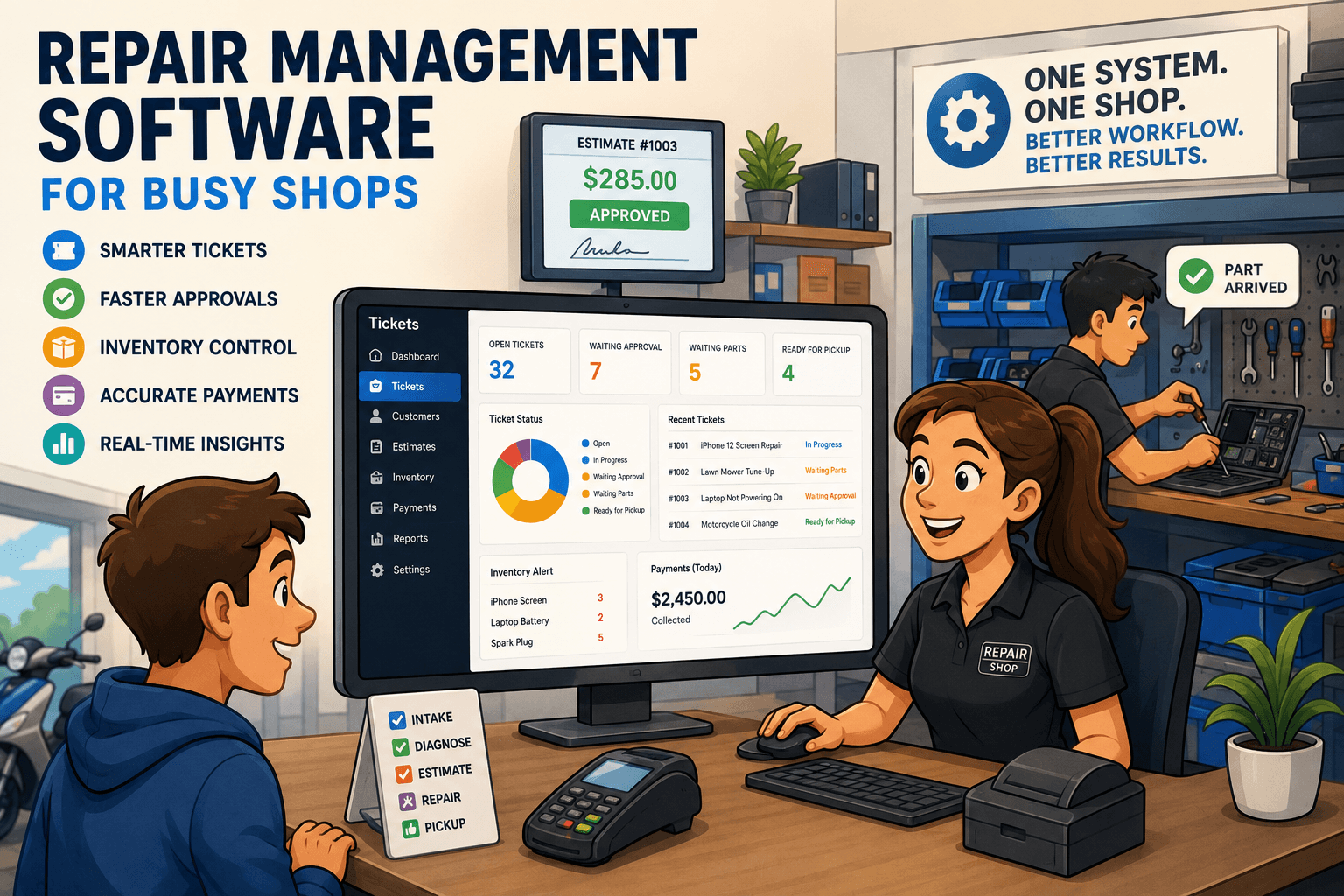
Electronics Repair Software That Runs the Shop
Electronics repair software keeps tickets, parts, approvals, payments, and customer updates in one workflow, giving repair shops tighter daily control now.

A customer walks in with a cracked phone, a technician is waiting on a part for a laptop, and yesterday’s card payments still need to be matched against the bank deposit. That is not three separate jobs. It is one operating day. Electronics repair software should connect those events so your team can move work forward without hunting through texts, spreadsheets, paper tickets, and a retail POS built for selling products off a shelf.
The difference matters when ticket volume grows. A shop can get by with disconnected tools for a while, especially with one owner doing most of the work. But as more staff, devices, parts, deposits, and customer updates enter the picture, disconnected systems create blind spots. Tickets go stale, parts are ordered twice, estimates wait for approval, and nobody is fully sure whether a payment was collected or recorded correctly.
What Electronics Repair Software Should Control
Good repair software is not just a digital work order. It should give the front desk, technicians, and management a shared view of every repair from intake through pickup and reconciliation.
At intake, staff need to capture the information that protects the shop and gives the technician a useful starting point: customer details, device type, make and model, serial number or IMEI, reported issue, visible condition, accessories left with the device, passcode status, and any quoted diagnostic or repair fee. A clean intake record prevents the familiar pickup-counter argument about a scratch, a missing charger, or what the customer originally asked you to fix.
Once the ticket is open, the workflow needs to keep moving. The technician should be able to see the problem, assigned work, notes, parts needed, and prior service history without interrupting the front desk. The front desk should be able to see status without walking into the back room or sending another message asking, "Is this ready yet?" Management should be able to see which tickets are waiting on approval, waiting on parts, overdue, or ready for pickup.
That visibility is the point. A ticket status is not decoration. It is an operational signal that tells the next person what needs to happen.
Estimates and approvals need a paper trail
Verbal approvals are fast until they become disputed. If a customer says they approved a $129 repair but the final invoice is $189 after additional damage was found, the shop needs a clear record of the revised estimate and approval.
The right system lets staff build an estimate from labor and parts, send it to the customer, and record the response on the ticket. That cuts down on phone tag while giving your team proof of what was authorized. It also prevents technicians from doing work that the customer never agreed to pay for.
Not every repair requires the same approval process. A straightforward screen replacement may use a fixed price, while liquid damage or board-level work may require a diagnostic stage before a final quote. Electronics repair software should support both without forcing your team into awkward workarounds.
Inventory has to follow the ticket
A part sitting in a drawer is not useful inventory data if no one knows where it went. When a technician uses a battery, display, connector, or charging port, that consumption should be tied to the repair ticket. Otherwise, on-hand counts slowly become fiction.
This connection is especially valuable for fast-moving parts. If the system shows three iPhone displays available but one was used yesterday and never deducted, the front desk may promise a same-day repair the shop cannot actually complete. That costs time and customer trust.
Inventory control also needs practical flexibility. Some shops stock common parts heavily. Others order by device and model after approval to avoid tying up cash. Software should support stocked parts, special orders, supplier purchase orders, and received inventory without making every repair follow the same path.
The Workflow That Removes Daily Friction
The best software follows the way a repair shop works, then tightens the handoffs. A typical ticket should move through a clear sequence: intake, diagnosis, estimate, approval, parts sourcing, repair, quality check, payment, and pickup.
The exact labels can vary by shop, but the handoff points should not be vague. If a ticket is marked waiting for parts, the team should know whether the part has been ordered, whether it has arrived, and who is responsible for the next action. If it is marked ready, the customer should have been notified and the amount due should be clear before they arrive.
Customer messaging belongs in this workflow, not in an employee’s personal phone. Automated or logged updates can tell customers when an estimate is ready, a part has arrived, a repair is complete, or a device is ready for pickup. The benefit is not just fewer inbound calls. It is accountability. Anyone on the team can see what was sent and when.
The same applies to internal notes. Technicians need a place to document findings, test results, complications, and warranty details. Front-desk staff need notes that explain next steps without exposing internal comments that are not meant for customers. A repair business runs better when information stays with the ticket instead of living in someone’s memory.
Payments Are Part of the Repair Process
Many shops lose time after the repair is finished because the payment process is treated as separate from the ticket. Deposits are collected at one point, balances are collected later, refunds happen occasionally, and card transactions need to match what appears in Stripe, Square, or Clover. If those records do not line up, closing the books becomes a scavenger hunt.
Repair-focused software should connect invoices, payments, deposits, and refunds to the ticket itself. That gives staff a clear answer at pickup: what was quoted, what has been paid, and what remains due. It also gives owners a cleaner route to daily reconciliation.
This does not mean every shop should run identical payment policies. A shop that orders expensive parts may require deposits before ordering. A business-to-business service operation may invoice approved clients after work is complete. The software should make those policies easy to enforce and easy to audit.
What to Look for Before You Switch
Buying software based on a feature checklist alone can lead to another disconnected system. Ask to see the real workflow, from a new customer walking in through a completed repair and reconciled payment.
Pay close attention to whether the system can handle the details your shop actually uses: device identifiers, intake photos or condition notes, technician assignments, estimates, parts consumption, warranty tracking, deposits, and pickup notifications. A generic POS may handle sales and inventory adequately, but it often breaks down once your work depends on open tickets, changing diagnoses, and multi-step approvals.
Also consider reporting. Owners need more than total sales. Useful reports show repair volume, turnaround time, ticket status, parts usage, average ticket value, unpaid balances, technician activity, and revenue by repair category. The goal is not to create more reports. It is to spot problems early enough to fix them.
Benchry is built around this repair workflow, bringing ticket management, intake documentation, estimates, inventory, customer communication, payments, and reconciliation into one operating system for service businesses.
Adoption Is a Shop Process, Not an IT Project
A software change succeeds when the team agrees on how tickets should move through the shop. Before launch, decide which statuses you will use, when estimates require approval, who can adjust pricing, how parts are received, and what must be documented at intake. Those decisions matter more than adding every optional field on day one.
Start with the workflows that create the most friction now. For many shops, that means intake, estimate approvals, customer updates, and payment collection. Once those are consistent, add deeper inventory discipline, purchase orders, warranty processes, and reporting habits.
Do not confuse speed with skipping documentation. A 60-second intake that records the device condition and customer authorization can save an hour of argument later. A technician note attached to the ticket can prevent a repeat diagnosis. A recorded payment can keep a busy Saturday from turning into a Monday reconciliation problem.
The right system should make the disciplined way of working the easiest way of working. When every repair has a clear owner, status, parts record, approval history, and payment trail, your team spends less time chasing information and more time finishing profitable work.