Repair Ticket Status That Keeps Shops Moving
Repair ticket status updates cut phone calls, keep technicians accountable, and give customers a clear reason to trust your shop and return again, often.
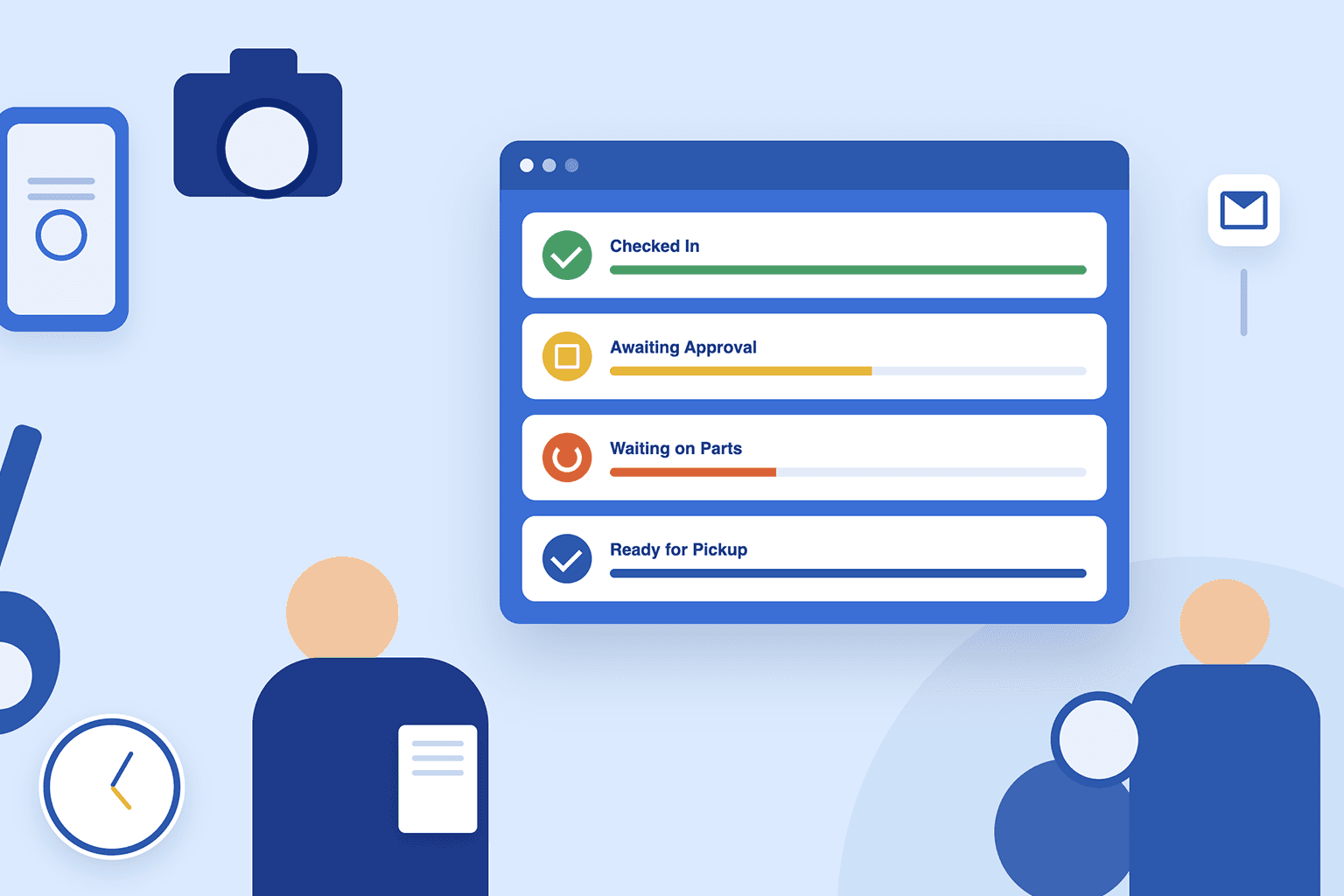
A customer calling for the third time to ask, “Is my phone ready yet?” is not just a front-counter interruption. It is a sign that your repair ticket status process is not giving customers or staff the information they need. When statuses are clear, current, and tied to the actual work happening in the shop, your team spends less time chasing answers and more time moving repairs to pickup.
For a busy repair business, ticket status is not a cosmetic label. It is the operational signal that tells the front desk what to say, tells technicians what to work on next, and tells owners where jobs are getting stuck.
Why Repair Ticket Status Matters to the Whole Shop
Every repair ticket moves through a chain of decisions. The device or equipment comes in, staff document the issue, a technician diagnoses it, the customer approves the estimate, parts may need to be ordered, the repair is completed, payment is collected, and the item is picked up.
Without a defined status at each point, that workflow turns into verbal updates, sticky notes, and guesses. A front-desk employee has to interrupt a technician. A manager has to search through tickets to find delayed jobs. A customer gets a vague answer because nobody can tell whether the part arrived or the estimate is still waiting for approval.
A good status process creates control. It shows which tickets are waiting on the customer, which are waiting on parts, which are actively being repaired, and which are ready for pickup. That distinction matters because not every open ticket needs the same action.
For example, a ticket waiting on a customer approval should trigger a follow-up. A ticket waiting on a supplier delivery may need an ETA check. A ticket assigned to a technician but untouched for two days needs management attention. Calling all three tickets “open” hides the real problem.
The Repair Ticket Statuses Every Shop Should Define
The right status names depend on your repair category and workflow. A phone repair shop may move a same-day screen replacement from intake to pickup in an hour. A motorcycle, camera, or instrument repair may sit in diagnosis or parts ordering for days. The goal is not to create dozens of labels. It is to make each status reflect a meaningful operational stage.
Most shops need a practical set of statuses that covers the full job lifecycle:
- Checked In or New confirms the item has been received and intake details are complete.
- In Diagnosis shows a technician needs to inspect the issue before pricing or repair can move forward.
- Estimate Sent or Awaiting Approval identifies tickets that need a customer decision.
- Approved and In Progress means the work is authorized and ready for the technician queue.
- Waiting on Parts separates supply delays from technician delays.
- Ready for Pickup tells the front desk that work is complete and the customer should be notified.
- Closed or Picked Up confirms the item, payment, and ticket are fully resolved.
Some shops also need statuses for canceled repairs, unrepairable items, warranty work, or abandoned property. Use those when they affect how your team handles the ticket, customer communication, inventory, or financial reporting. Do not add a status simply because someone wants a different color on the ticket board.
Keep Status Names Actionable
The best status names make the next step obvious. “Waiting” is too broad. Waiting for what? “Pending” is not much better. A ticket marked “Awaiting Customer Approval” tells staff to follow up with the customer. “Waiting on Parts” tells them to review purchase orders, supplier updates, and expected delivery dates.
This also improves accountability. When a ticket is marked “In Progress,” there should be a technician assigned and a clear record of the work performed. If it has no assigned technician, it is not truly in progress. It is sitting in a queue.
Build Status Changes Into the Actual Workflow
A status system only works when staff can update it without creating extra work. If technicians must open multiple screens, re-enter information, or hunt for the right ticket before they can change a status, updates will fall behind during a busy day.
Status changes should happen at the natural handoff points in your shop. The front desk sets the ticket to checked in once intake is complete. The technician moves it to diagnosis when they start evaluation. Sending an estimate updates the ticket to awaiting approval. Approving the estimate moves it into the repair queue. Completing the job moves it to ready for pickup.
That sequence should be visible to everyone who touches the repair. The front desk should not need to walk into the back room for a basic update. Technicians should not have to rely on a paper pile to know which approved jobs are next. Managers should be able to see stalled work without opening every ticket individually.
Repair-specific software such as Benchry keeps ticket details, technician assignments, estimates, parts, messages, and payment activity connected to the same repair record. That matters because a status is more useful when the reason behind it is visible on the same screen.
Connect Statuses to Customer Communication
Customers do not expect every repair to be finished immediately. They do expect to know what is happening. Clear communication is especially valuable when a repair takes longer than originally expected or requires approval for additional work.
The most useful updates are triggered by events that matter to the customer: an estimate is ready, approval is needed, a part has been delayed, the repair is complete, or the item is ready for pickup. A simple, specific message prevents the customer from having to call for information your team already has.
Avoid sending a message for every internal movement. A technician changing a ticket from one workbench queue to another is useful internally but does not need to create customer noise. The customer needs meaningful progress, not a play-by-play of your shop floor.
Your messages should also match the ticket status. If a ticket is waiting for approval, the customer should receive the estimate and a direct request to authorize the work. If it is ready for pickup, the message should include pickup expectations, any remaining balance, and your business hours if appropriate. Generic “your repair has been updated” messages create more questions than they answer.
Use Repair Ticket Status to Find Bottlenecks
Once your team uses statuses consistently, they become management data. You can see whether your shop is losing time in diagnosis, waiting too long for approvals, carrying excessive parts delays, or leaving completed jobs on the shelf without pickup follow-up.
Start by reviewing open tickets by status each day. This does not need to become a long meeting. A manager can quickly identify the oldest tickets in each stage and ask the right question. Is the customer unresponsive? Was the part never ordered? Is the technician overloaded? Did the ticket get marked in progress without actual work beginning?
Then look for patterns over a few weeks. If too many jobs sit in awaiting approval, review how estimates are presented and how quickly they are sent. If waiting-on-parts tickets keep growing, compare demand against stocking levels and supplier performance. If ready-for-pickup tickets remain open for too long, tighten pickup notifications and payment collection procedures.
The trade-off is worth acknowledging: more detailed statuses can give management better reporting, but too many choices slow staff down and invite inconsistent use. For most small and growing repair shops, a short, disciplined status set beats a complicated workflow nobody follows.
Set Clear Rules for Closing Tickets
A ticket should not be closed because the repair work is physically done. It should be closed when the operational and financial work is done too. That usually means the customer has picked up the item, payment has been collected or correctly recorded, and any remaining documentation is complete.
For mail-in repairs, business equipment service, or warranty work, the final step may look different. An item may be shipped back rather than picked up, or a third party may be billed instead of the customer. Your process should account for those cases without letting them create ambiguous open tickets.
Make abandoned and unrepairable items part of the process as well. If a customer declines a repair or never retrieves their property, staff need a documented status, notes on communication attempts, and a policy-based next step. Otherwise, old tickets pile up and distort your view of actual active work.
A repair shop runs better when every ticket can answer one simple question: what needs to happen next, and who owns it? Keep your statuses tied to that answer. Your customers get clearer updates, your technicians get a cleaner queue, and your counter stops operating on memory alone.