How to Choose the Best POS for a Small Engine Repair Shop
Learn how to choose the best POS for a small engine repair shop, with repair tickets, estimates, parts inventory, approvals, and payments.
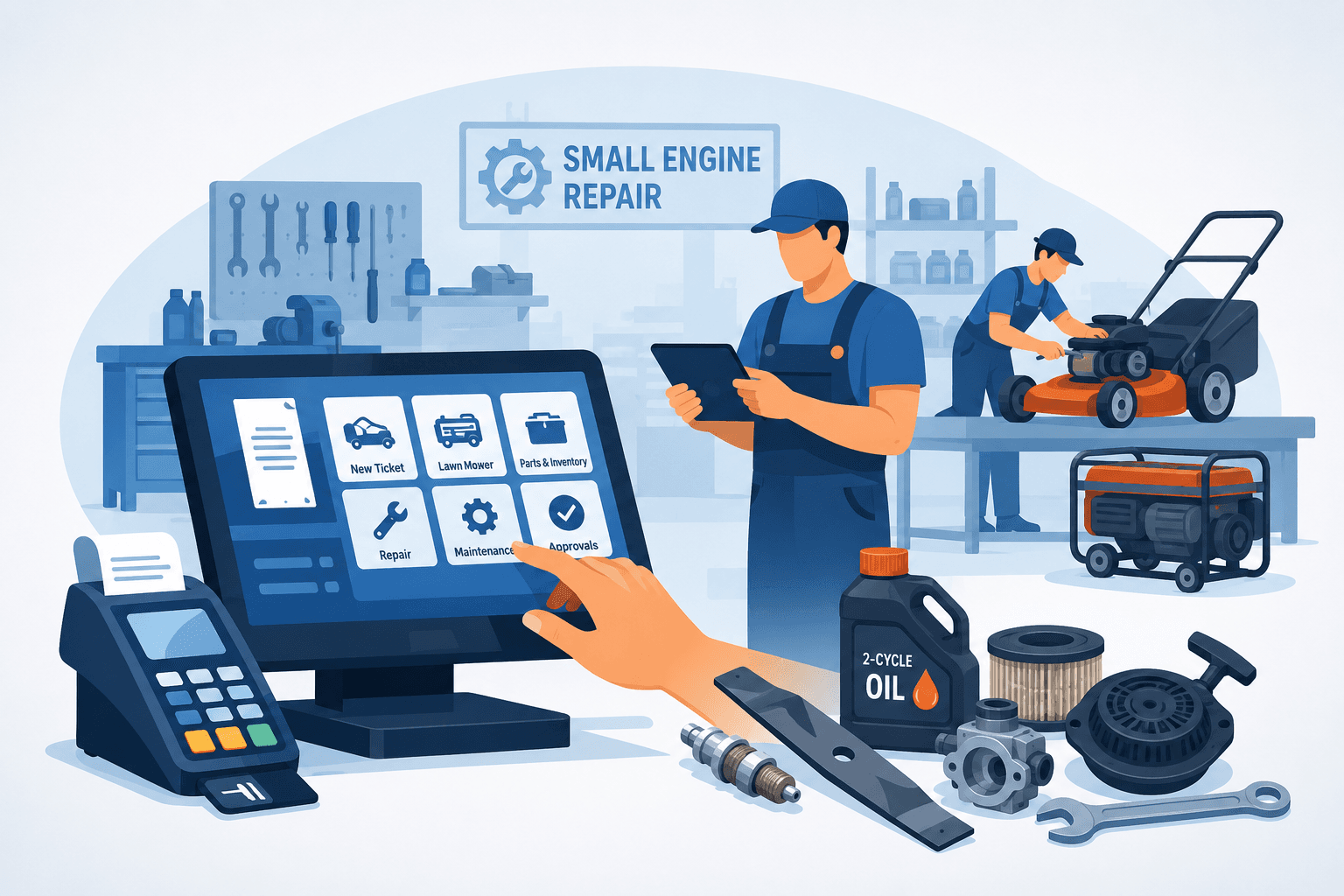
A customer drops off a riding mower that will not start and mentions that the deck has also been vibrating. The service counter needs to document both concerns, identify the equipment by make, model, and serial number, build an estimate, check parts availability, assign the work, collect approval, and make sure the final invoice matches what was actually repaired. That is why the best POS for a small engine repair shop is not just a cash register with a card reader. It is the operating system behind the entire repair ticket.
Retail-first POS software can take a payment, but it often falls apart when a mower, generator, snowblower, chainsaw, trimmer, pressure washer, or other piece of equipment has multiple concerns, several labor lines, special-order parts, technician notes, declined work, and a customer waiting for an update. Small engine repair shops need a system that keeps each job moving from drop-off through pickup without forcing the team back into paper tags, spreadsheets, and phone calls.
What a Small Engine Repair POS Must Handle
The right system should follow the way your shop actually works. A customer drops off a piece of equipment, staff record its condition and reported problems, and a technician inspects or diagnoses it. An estimate goes out for approval, parts are ordered or pulled from stock, the repair is completed, and the front counter closes the ticket accurately.
Every step creates information that matters later: the equipment type, make, model, serial number, engine model, customer authorization, technician assigned, parts used, labor billed, warranty terms, and payment status. Intake details may also include accessories left with the unit, fuel level, visible damage, pickup or delivery instructions, and photos of its condition. If those details live in different systems, staff spend their day hunting for answers instead of moving repairs through the shop.
A repair-focused POS keeps the record connected. The front desk can see what the technician found. The technician can see approved work and parts status. Management can see whether a ticket is stalled because it needs authorization, a part, technician time, or customer pickup.
Best POS for a Small Engine Repair Shop: Core Features
When comparing systems, start with the repair-ticket workflow rather than a feature checklist full of generic retail tools. The following capabilities have the biggest impact on daily control.
Repair tickets built around equipment
A proper repair ticket should hold more than an itemized sale. It needs a complete equipment and service history, including customer concerns, intake condition, inspection notes, recommended work, labor operations, parts, tax, discounts, and status updates.
Look for clear ticket stages such as checked in, diagnosing, awaiting approval, waiting on parts, in progress, ready for pickup, and completed. The exact labels matter less than giving everyone a reliable view of where each unit stands. If the counter staff have to ask the technician for every status update, the software is not doing enough.
Equipment history also matters at the counter. When a customer returns with a recurring no-start issue or asks what was replaced before the previous mowing season, staff should be able to find the prior repair ticket quickly. That creates confidence and prevents guesswork about old recommendations, installed parts, and warranty coverage.
The system should also support the identifiers small engine shops actually use. Unlike automotive repair, a VIN may not exist. Staff may need to search by customer, equipment type, manufacturer, model number, serial number, engine model, or an internal asset tag used by a landscaping company, municipality, or other commercial customer.
Estimates and documented approvals
Estimates are where revenue, trust, and accountability meet. Your POS should make it easy to build a clear estimate with labor, parts, shop supplies, disposal fees, pickup or delivery charges, taxes, and notes that explain the recommendation in plain language.
Just as important, it should record approval before the work begins. Shops lose time and margin when authorization is informal, buried in a text thread, or remembered differently by the customer and staff. Digital approvals, timestamps, and a documented estimate reduce that risk.
A good system also handles partial approvals. A customer may approve a carburetor cleaning but decline a belt replacement, authorize diagnostic time only, or postpone a deck repair until later in the season. The repair ticket should reflect those decisions without requiring staff to rebuild it from scratch.
It should also make declined work easy to retain. When the customer returns after a postponed repair becomes urgent, the shop should be able to see exactly what was recommended, when it was declined, and what the earlier estimate included.
Parts, inventory, and purchase orders
Parts control is one of the clearest differences between a basic POS and repair management software. A sale-only system may deduct a product at checkout, but a small engine shop needs to know whether a carburetor, ignition coil, belt, blade, recoil starter, fuel line, gasket, battery, air filter, spark plug, or other part is reserved for an open repair ticket, on order from a vendor, received, returned, or consumed during service.
The system should connect parts to the specific piece of equipment and repair ticket. That makes it easier to protect margin, verify what was installed, and avoid charging a customer for a part that never arrived. It should also show inventory counts that staff can trust when they promise a turnaround time.
Small engine parts can be especially difficult to identify because model numbers, serial ranges, engine manufacturers, and equipment manufacturers may all affect compatibility. Your POS should make it easy to record vendor part numbers, alternate part numbers, fitment notes, costs, retail prices, and the equipment associated with each order.
Purchase orders matter for the same reason. If special-order parts are tracked only through vendor emails or handwritten notes, the front desk cannot give customers a reliable update. A connected purchasing workflow makes delayed, backordered, and received parts visible before they become a surprise.
Labor, technician assignments, and accountability
Small engine repair work may involve counter staff, diagnostic technicians, mechanics, parts ordering, and pickup or delivery coordination. Your POS should let the team assign work clearly and preserve technician notes within the repair ticket.
This is not about turning the shop into a surveillance operation. It is about eliminating ambiguity. When a mower has been sitting for several days, the manager should be able to see whether it is being diagnosed, waiting for a part, waiting for customer approval, or simply ready for pickup.
For larger or growing shops, consider whether the system supports labor tracking, technician productivity reporting, and role-based permissions. The more people touching a ticket, the more valuable a clear audit trail becomes.
Seasonal workload is another important consideration. Mower and trimmer repairs may surge in spring, while snowblower work spikes before and during winter. A useful system should help managers see ticket volume, aging repairs, technician capacity, and jobs that are at risk of missing promised completion dates.
Intake records and equipment condition
Small engine equipment often arrives dirty, damaged, partially disassembled, or with loose accessories. A strong intake process protects both the customer and the shop.
Look for a system that lets staff record visible damage, missing guards, bent handles, damaged cords, dull or broken blades, fuel condition, oil level, attachments, batteries, chargers, keys, bags, chutes, and other items left with the unit. Intake photos can be especially useful when there is a later disagreement about condition.
The ticket should also make safety concerns visible. Leaking fuel, damaged wiring, missing shields, seized components, or evidence of improper prior repairs may affect how the equipment is stored, diagnosed, and returned.
Payments that match the final invoice
Payment processing is a necessary part of a POS, but it should not be the only reason you choose one. The better question is whether payments, deposits, refunds, invoices, and payment processor activity reconcile cleanly with completed repair tickets.
Deposits may be required for expensive engines, transmissions, mower decks, or special-order parts. Split payments may be needed when a commercial customer uses an account balance and a company card. Refunds and adjustments happen when parts are returned, repairs change, or a unit is determined to be beyond economical repair. Your system needs to handle those exceptions without leaving the books messy.
Ask vendors how their software works with your preferred processor, whether it supports Stripe or Square reconciliation, and how easily you can trace a payment back to the equipment and invoice. A low processing rate means little if your team spends hours each week fixing mismatches.
Customer communication without phone tag
Customers do not need a call for every minor update, but they do need to know their mower, generator, or other equipment has not disappeared into the shop. Text and email updates can reduce inbound calls while giving staff a documented way to send estimates, approvals, parts-delay notices, and pickup reminders.
The key is context. A message should connect to the correct repair ticket, not sit in an employee's personal phone or an unsearchable inbox. When a customer says, “I never got the estimate,” the team should be able to verify exactly what was sent and when.
Pickup reminders are especially valuable for small engine shops because completed equipment can consume significant floor space. The system should make it easy to notify customers that a unit is ready, document repeated contact attempts, and apply the shop's storage or abandoned-equipment policy consistently.
Commercial accounts, fleets, and recurring service
Many small engine shops serve landscaping companies, property managers, municipalities, schools, farms, and other organizations with multiple pieces of equipment. These customers need more than a basic consumer profile.
The POS should let staff group equipment under a commercial account, use internal asset numbers, identify authorized contacts, track purchase-order numbers, apply account-specific pricing or tax rules, and review service history across the customer's fleet.
Recurring maintenance can also create valuable repeat business. The system should make it easy to identify equipment due for seasonal service, blade sharpening, oil changes, filter replacement, winterization, or spring startup work.
Questions to Ask Before You Buy
A live demo should look like your day, not a polished retail checkout. Ask the vendor to create a repair ticket for a riding mower with a diagnostic fee, multiple reported concerns, a special-order belt, a partial customer approval, technician notes, a deposit, and a final payment. Then ask them to show the invoice, inventory change, equipment history, customer communication, and reporting trail.
Also ask what happens when the workflow gets messy. Can you revise an estimate after diagnosis? Can you move a part from one ticket to another? Can you document declined work? Can you mark a unit as not economical to repair? Can a manager see open tickets by status and age? Can you find every completed repair that has not been picked up or every invoice with an unpaid balance?
Ask how the platform handles equipment identification. Can staff record the equipment manufacturer separately from the engine manufacturer? Can they search by model and serial number? Can they attach intake photos, manuals, or technician notes? Can one commercial customer have dozens of tracked units?
Implementation deserves the same scrutiny. The best platform on paper can create disruption if customer records, equipment history, inventory, and staff procedures are not handled carefully. Find out what data can be imported, what training is included, and whether the vendor understands a repair counter rather than assuming every transaction is a barcode sale.
Avoid the Retail-First Trap
Some shops choose a general POS because it is familiar or inexpensive. That can be reasonable for a very small operation doing mostly blade sharpening, tune-ups, and over-the-counter parts sales. If you write only a handful of tickets per day and do not need technician assignments, approvals, detailed equipment history, or special-order tracking, a lighter system may be enough for now.
But once ticket volume rises, generic software usually shifts work onto the staff. Equipment tags move to paper. Approvals move to text messages. Model and serial numbers end up in free-form notes. Parts get tracked elsewhere. Payment reconciliation becomes a separate cleanup task. The monthly subscription may look inexpensive while the hidden labor cost grows.
Repair-specific platforms are built to keep the record intact from intake to pickup. Benchry, for example, brings repair tickets, estimates, approvals, parts, customer messaging, invoices, and payment reconciliation into one operational workflow. For shops that need control more than another standalone checkout screen, that difference is material.
Choose for the Shop You Are Building
Do not buy based on the flashiest dashboard or the shortest checkout demo. Choose the POS that makes a normal repair ticket easier to manage, an exception easier to find, and an end-of-day close easier to trust.
Run your real workflow through the system before you commit. Use an actual example involving equipment intake, model and serial tracking, diagnosis, customer approval, special-order parts, technician notes, pickup reminders, and final payment. The right software should give your team more time to repair equipment and fewer reasons to chase information.