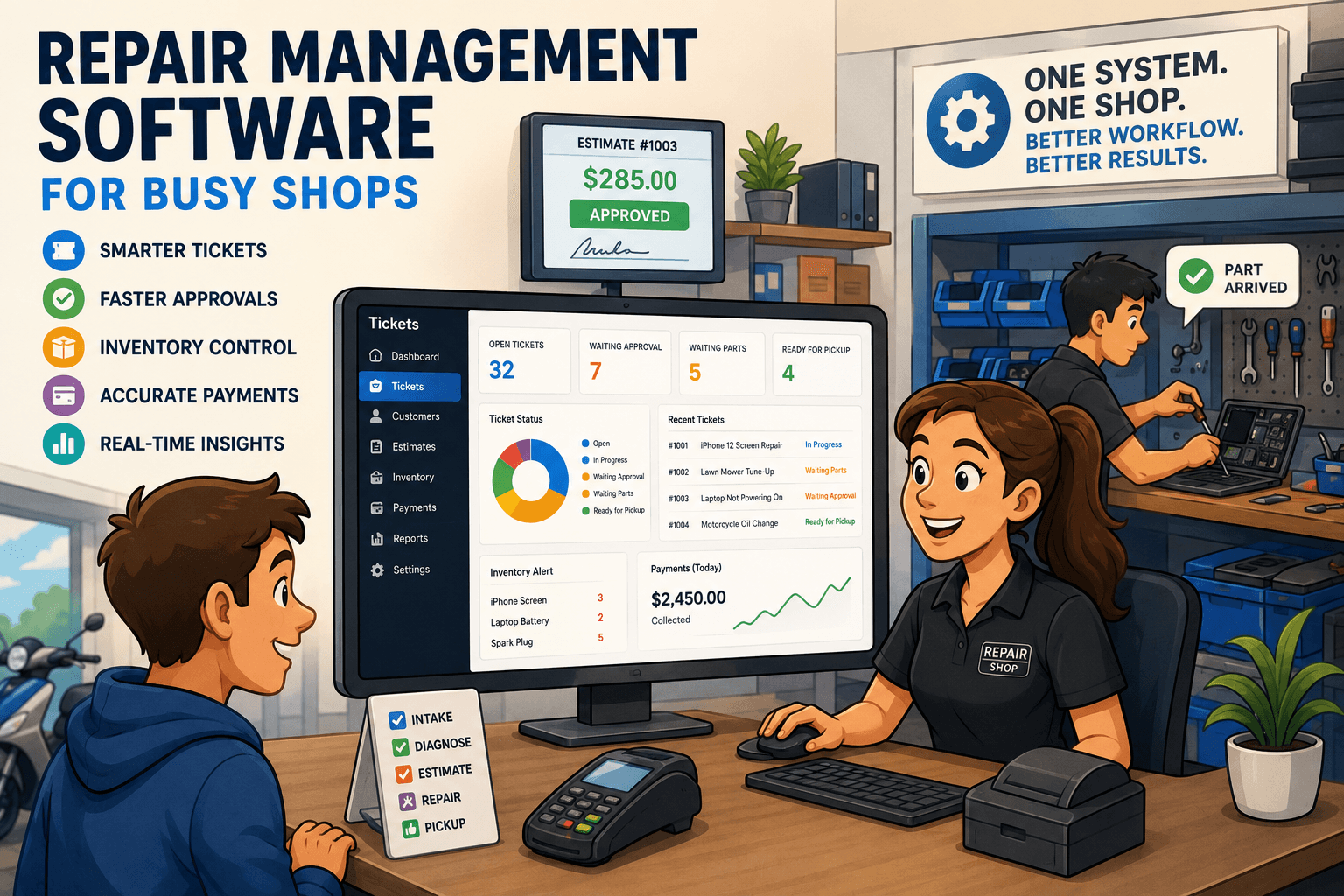
Small Business Repair Software That Runs the Shop
Small business repair software keeps tickets, parts, approvals, payments, and customer updates connected so your shop moves faster with control each day.

A customer walks in with a cracked phone, a technician is waiting on a part for a laptop, and yesterday’s card payments still need to be reconciled. That is not three separate jobs. It is one operating day. Small business repair software should keep those jobs connected from the first intake note through pickup, payment, and reporting.
For a repair shop, the right system is not just a digital cash register. It is the control center for every ticket, estimate, part, technician action, customer update, and dollar that moves through the counter. When those details live in separate apps, notebooks, text threads, and spreadsheets, small mistakes become expensive fast.
Why Retail POS Software Breaks Down in Repair Shops
A standard retail POS is built around a simple transaction: scan an item, take payment, print a receipt. Repair work does not run that way. A repair begins with a customer problem, often includes condition notes and photos, may require a diagnostic step, needs an approval before work starts, and can involve special-order parts, technician assignments, warranty checks, and follow-up communication.
A generic POS can collect money at the end. It usually cannot manage the work in the middle without workarounds. Staff start writing ticket details on paper, tracking parts in a separate spreadsheet, and sending manual texts when a repair is ready. The result is a shop where nobody has a complete view of what is happening.
That lack of visibility creates familiar problems. The front desk cannot tell a customer whether a part arrived. A technician does not see the latest customer approval. An owner discovers that a used part was never removed from inventory. A payment processor deposit does not match the day’s sales, and someone loses an hour trying to find out why.
Repair-specific software is designed around the ticket, not just the sale. That distinction matters because the ticket is where your labor, parts, communications, liability documentation, and revenue all meet.
What Small Business Repair Software Should Handle
The best small business repair software follows the actual workflow of the shop. It should make the next action obvious for the person standing at the counter, working at the bench, or reviewing the day’s numbers.
Intake that protects the shop and speeds up the counter
Intake is where good operations start. Staff need a quick way to capture customer information, device or equipment details, reported issues, cosmetic condition, accessories left with the item, passcodes when applicable, and the customer’s approval to proceed.
This documentation does more than make the ticket look organized. It reduces disputes at pickup. If a customer says a scratch was not there before service, the shop should be able to review intake notes and photos. If a device arrives with no charger, that should be visible to everyone who touches the ticket.
The process also needs to be fast. If it takes ten minutes to build a basic ticket, staff will create shortcuts, and shortcuts usually become missing information. Look for configurable intake forms that give your team structure without slowing down busy periods.
Estimates and approvals that do not rely on phone tag
A diagnosis is not an authorization. Shops lose time when a technician finishes an assessment, the front desk calls the customer, gets no answer, and leaves a vague note for the next shift.
The system should let staff turn a diagnosis into a clear estimate with labor, parts, taxes, and expected turnaround time. Customers should have a simple way to approve or decline it. Once approval is received, the ticket status should change so the technician and front desk know work can proceed.
This is where workflow discipline directly improves turnaround time. A ticket waiting for approval should not look the same as one waiting for a part or one ready for quality control. Clear statuses stop repairs from disappearing into the pile.
Technician accountability without micromanagement
Owners need to know who has a ticket, what stage it is in, and how long it has been there. Technicians need enough context to do the work correctly without repeatedly asking the counter for customer history, notes, or promised pricing.
A useful repair system assigns work, records status changes, and keeps a complete ticket timeline. That does not mean every shop needs a complicated production board. A two-person phone repair store and a multi-tech small engine shop will organize work differently. Both still benefit from knowing who owns the next step.
Accountability is especially valuable when the shop gets busy or a staff member is out. Anyone should be able to open a ticket and see the repair history, parts used, estimate status, customer messages, and next action without hunting through personal notes.
Parts and inventory tied to the ticket
Inventory is where many profitable repairs quietly become less profitable. A shop may know that a part was installed, but if it is not consumed from inventory against the ticket, on-hand counts become unreliable. Then staff reorder items they already have or promise a repair based on stock that is no longer there.
Repair software should connect parts usage to each job. When a technician installs a screen, battery, carburetor, or connector, that part should be reflected in the ticket cost and inventory movement. Purchase orders should make incoming stock visible before it reaches the shelf, especially for special-order parts tied to a specific customer repair.
Not every shop needs advanced warehouse controls. But every growing shop needs an honest answer to two questions: Do we have the part, and did we make money after using it? If your system cannot answer both, inventory is still being managed by guesswork.
Customer updates that reduce inbound calls
Customers call when they do not know what is happening. They call to ask whether the estimate is ready, whether the part arrived, whether the repair is complete, and whether they can pick it up after work. Those calls are understandable, but they consume front-desk time and interrupt technicians.
Automated, ticket-based messaging gives customers timely updates without forcing staff to send the same message over and over. The key is that the message must match the actual ticket status. A generic blast that says a repair is ready when it is still awaiting a part damages trust faster than sending nothing.
Use messages for moments customers care about: estimate approval, part delay, completed repair, payment due, and pickup reminders. Keep the wording direct. The goal is fewer surprises, not more marketing.
Payments, invoices, and reconciliation in one view
A repair is not complete when the technician finishes the work. It is complete when the customer pays, the invoice is accurate, and the payment is accounted for correctly.
Shops often create reconciliation headaches by using one platform for tickets, another for payments, and a third for bookkeeping exports. Staff then spend time matching card deposits, cash sales, refunds, deposits, and open balances manually.
A connected platform should let the shop take deposits, apply payments to the correct ticket, issue invoices, process refunds when needed, and compare recorded sales against Stripe, Square, or Clover activity. That visibility helps owners catch mistakes early, before they become month-end cleanup.
How to Choose the Right System for Your Shop
Do not buy software based on the longest feature list. Start with your bottlenecks. If your front desk is buried in calls, customer messaging and ticket visibility may matter most. If you are repeatedly out of common parts, inventory and purchase orders should be the priority. If deposits never match what the processor sends to the bank, reconciliation needs to be near the top of the list.
Then walk through a real repair from your shop. Create a ticket. Record intake condition. Build an estimate. Send it for approval. Assign the work. Add a part. Collect payment. Print or send the invoice. Review the transaction in reporting. If the workflow feels awkward in a demo, it will feel worse when three customers are waiting at the counter.
Also consider how much configuration your team can realistically maintain. A system with unlimited customization can be useful for a complex operation, but it can create inconsistency if every staff member builds tickets differently. Small shops often get better results from repair-focused workflows that are structured from the start.
Benchry is built around this full repair lifecycle, bringing tickets, technician work, inventory, customer communication, payments, and reconciliation into one operational view. The practical value is not having more software. It is having fewer handoffs and fewer places for a repair to get lost.
The Operational Test That Matters
The right software should make a busy day calmer, not merely make reports prettier. Your front desk should be able to answer a customer’s question without leaving the ticket screen. Your technicians should know what is approved and what is waiting. Your owner or manager should be able to see open work, aging tickets, parts exposure, collected revenue, and payment exceptions without rebuilding the story in a spreadsheet.
Start with the next repair that comes through your door. Map every handoff it requires, from intake to pickup. The gaps in that path are where your shop is losing time, margin, and customer confidence - and where the right system can begin earning its place.